
Pima County VINELink Coverage
Pima County takes part in VINE, and the Arizona Criminal Justice Commission's State Impact Report lists it among participating counties. That participation has limits, though. VINELink relays custody and notification status for one person at a time; it is not the Pima County jail's booking record, and it holds no deep historical archive of arrests.
The right way in is the state screen. The official Arizona VINELink route puts a searcher on Arizona's entry page, where county choices follow from the state selection. From there, the service can report a person's release or movement after a booking in Pima County.
Custody comes in stages, so matching matters. A person newly held at the Pima County Adult Detention Complex belongs to county jurisdiction and that facility. A person sentenced into ADCRR, by contrast, sits in the state offender system. County jail and state prison are different stages of custody, and VINELink treats them as such. Pick the right one, or the search will miss the person it should find.
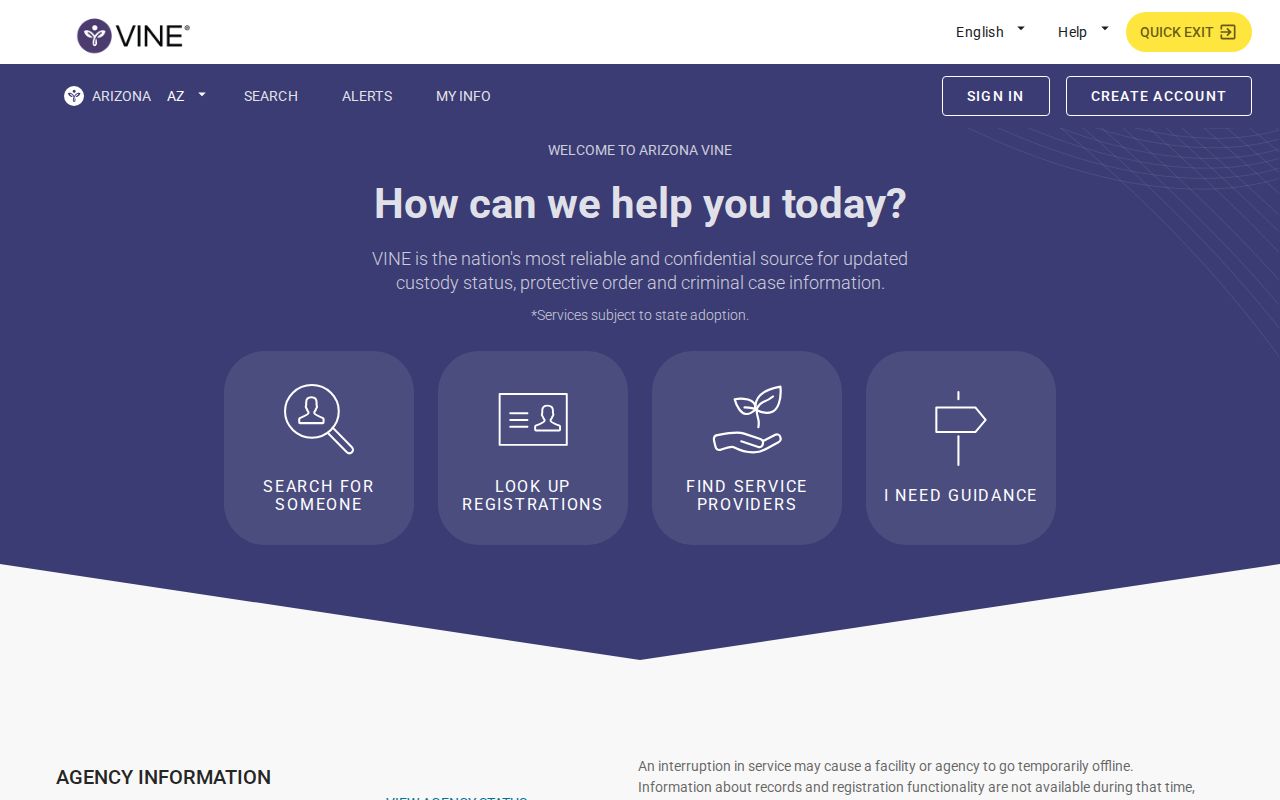
The state selection screen sets the stage for everything after it. Pick Arizona first. Then county options follow. The live interface controls the current search fields and choices.
Run a Pima VINELink Check
Use exact identity details. Then inspect every likely match. Names are not unique, and a spelling or identifier mismatch can hide the expected result. Follow the labels shown on the live screen rather than any old screenshot, since the fields may change.
- Open Arizona in VINELink and choose the relevant custody jurisdiction presented by the live screen.
- Enter the person's name or the identifier requested by the service.
- Review all possible matches instead of selecting the first same-name result.
- Confirm the displayed facility, agency, identifier, and identity details before relying on the record.
- Open the eligible result to review status and reach the notification controls.
A result means a participating source supplied the custody data. It does not guarantee a booking photograph. For the underlying jail record, the Pima County arrest-record guide shows where the booking information and the court outcome live.
The national VINE page explains the wider service. It also routes users toward participating jurisdictions.
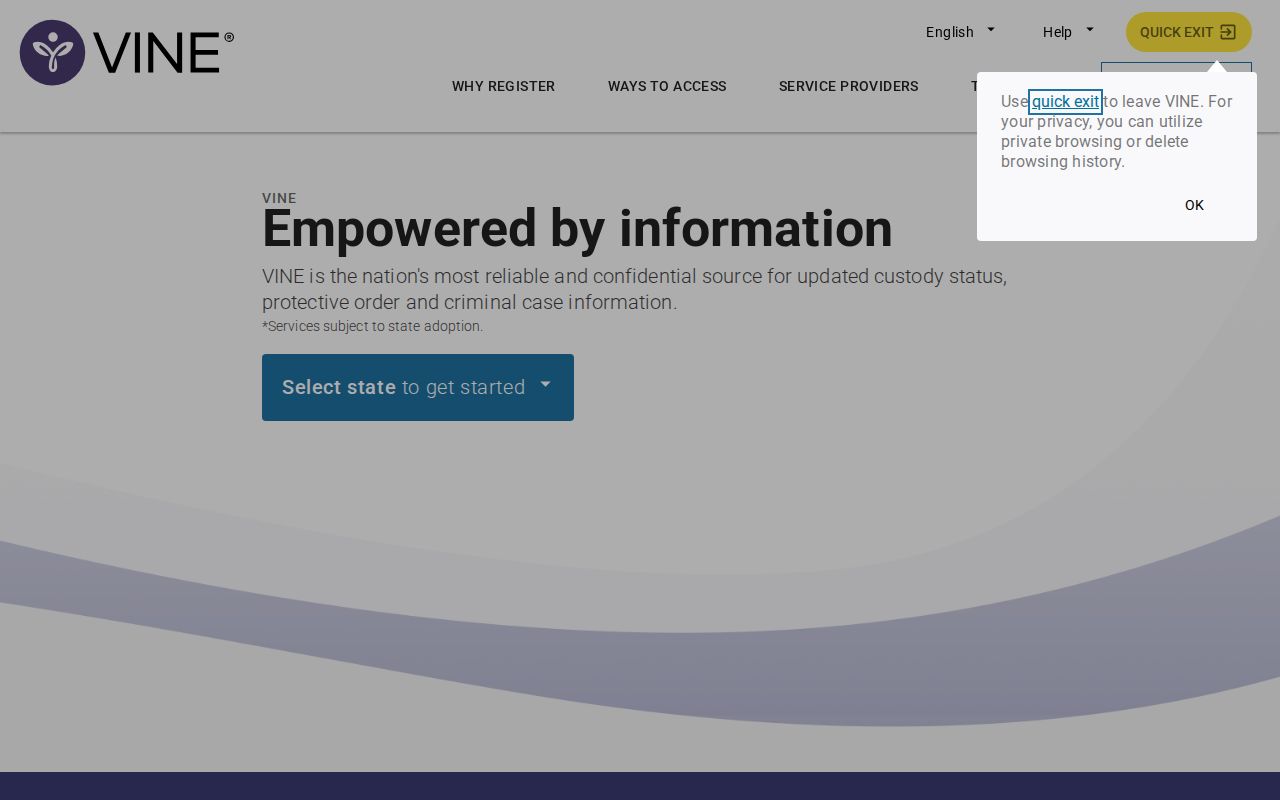
The national screen helps with orientation. A Pima search should not stop there. Continue through Arizona and the matching local custody source. That path keeps the lookup tied to the agencies that actually hold the booking data.
Pima VINELink Result Fields
VINELink interfaces can change. Not every participating agency supplies identical details. Reading the live labels keeps the result useful for custody notification instead of conclusions the screen cannot support.
| Result item | What it can tell you |
|---|---|
| Name or identity details | Helps distinguish matches; compare all available identifiers. |
| Custody status | Reflects the participating system's reported status at that point. |
| Facility or jurisdiction | Shows which participating custody source is tied to the result. |
| Offender or record identifier | Helps preserve the right match for later checks. |
| Notification option | Appears when the record is eligible for alert registration. |
| Release or transfer update | Can trigger notice after the source reports a qualifying change. |
| Charge or disposition | Not a substitute for the official court file and final outcome. |
| Booking photo | Not the purpose of the result and not proof of PCSD photo availability. |
A missing person in the results has several explanations. The agency may not participate for that record, or the data upload may lag. Release and transfer can also leave a gap. And sometimes the search misses the source spelling, which is why confirming the facility matters as much as matching the name.
Register Pima Custody Alerts
Registration starts from an eligible person result. It does not begin on a general news page. Arizona VINE materials describe phone, web, mobile-app, and notification options that may include calls, email, text, or TTY. The live registration screen controls what that record actually offers.
- Open the confirmed person record and select its notification or registration control.
- Choose an offered contact method, such as phone, text, or email.
- Enter the contact details carefully and complete any confirmation step.
- Create or receive the PIN or comparable verification credential required by the flow.
- Save the credential and keep the phone number or email account available for managing the registration.
- Review the registration when contact details change or the expected notice does not arrive.
The statewide hotline printed in official Arizona municipal VINE materials is 1-866-892-4542. Confirm it against the current live service first. Service details can change. Alerts are valuable support, but they do not guarantee advance warning or instant transmission.
Pima and Tucson Alert Paths
Pima County VINE and the city case-notification systems overlap without being identical. The ACJC report lists Tucson Police and Marana Police in the statewide Community Victim Notification System. City case updates run on different identifiers. They may describe prosecution or case events rather than jail custody.
Tucson's ENGAGE portal is one separate local path. Its victim material tells users to wait 24 hours. Some new reports take up to a week. After that, you enter a ten-digit TPD report number, verify your information, and register a phone number or email address. The portal shows case status and initial-appearance information. That report-number flow does not replace VINELink countywide.
The Tucson ENGAGE case-status portal illustrates the city-specific notification route.
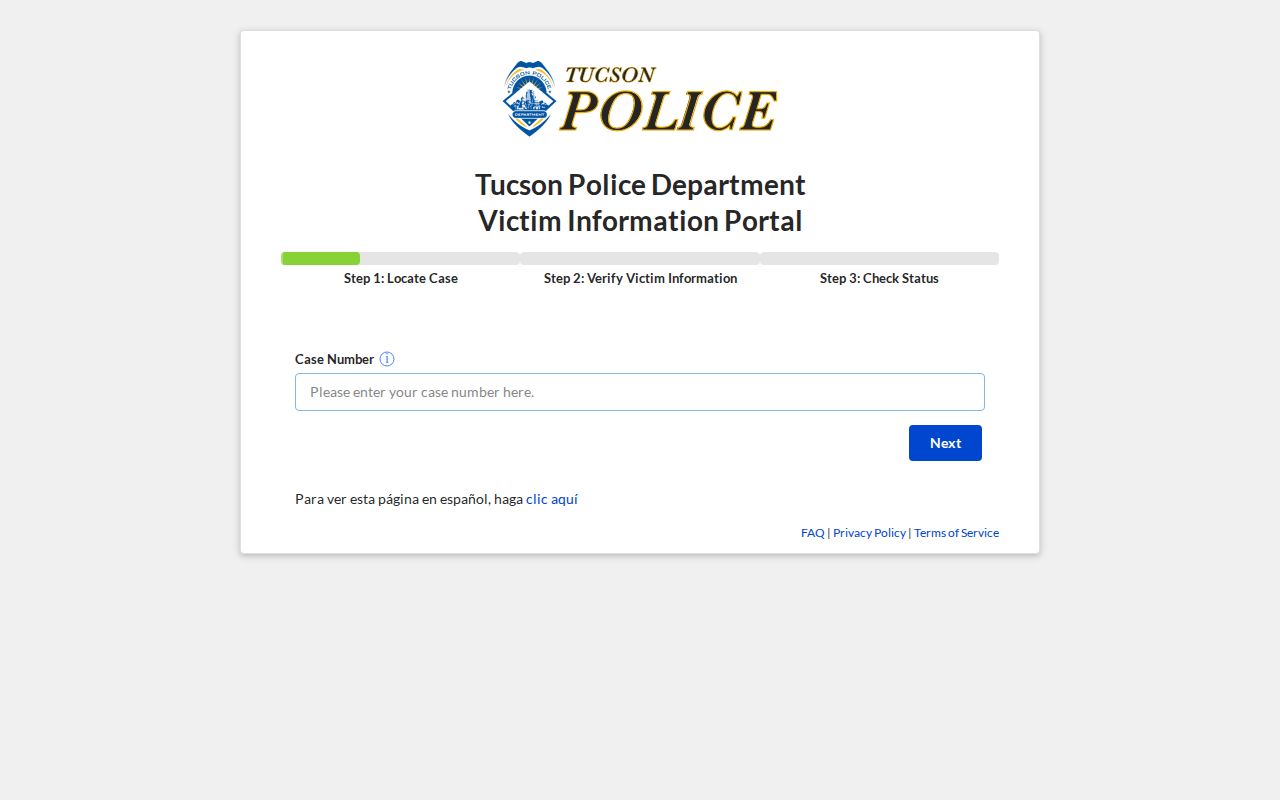
This screen belongs to Tucson case notifications. Arizona VINELink handles participating custody alerts. PCSD handles jail confirmation, and keeping the systems separate prevents missed matches. A PCSD booking number, a VINE identifier, a TPD report number, and a court case number may all point to parts of one event, but each belongs to a different custodian.
Pima VINELink Limits and Delays
VINE tracks local jail custody, nothing more. Federal cases sit elsewhere entirely. Anyone held by the Federal Bureau of Prisons appears in the BOP locator. ICE's detainee system covers immigration detention. U.S. Marshals custody may take a direct call to the agency or court. So a name missing from VINE never proves the person is free. Pima County bookings can lag for practical reasons too. Classification, data entry, release, a transfer, or a simple name mismatch all affect when someone shows up in the system. For same-day information, the Pima County same-day arrest guide points to the official roster plus direct records fallback. The Adult Detention Complex can be reached at (520) 351-8111. Jail Records Requests sits at (520) 351-8228.
One more limit deserves mention. The PCSD roster shows current custody at PCADC, not every Pima arrest. It can include people already sentenced or held for another jurisdiction. Someone a city police department cited and released may never land on it at all. Treat VINELink as one useful piece of a broader, source-matched Pima arrest search rather than the whole picture.
VINELink Is Not a Photo Feed
A custody hit on VINELink says nothing about photos. PCSD stopped releasing inmate booking photos in September 2024, according to AZPM. The public county roster carries no images. Old app descriptions or third-party pictures can reflect a policy that no longer exists. This page hosts no gallery either and does not rehost booking images. If a specific jail-file item matters to you, ask PCSD Records directly. Ask whether current policy allows its release. Nothing in older agency material counts as a promise of photos today.
Pima Custody Is Not Guilt
VINELink answers one question well: where a person is held and how to get notified. It tracks custody status, nothing else. For filings and outcomes, the right tool is the matching court record. It carries the case itself. Keep custody alerts focused on what they do best. Use them for safety, release planning, or simply reconnecting with someone you know. In an emergency, call 911. An online status tool is no substitute for emergency services.