
How Tucson Arrest Records Begin
Every Tucson arrest starts on the city side. Tucson Police Department, known as TPD, creates the incident report. It also produces the citation and related police paperwork. When officers actually take an adult to jail, booking follows. It happens at the Pima County Adult Detention Complex. The Pima County Sheriff's Department runs that facility and owns the custody entry. The split matters. TPD can confirm an incident that never led to a county booking. The PCSD roster can show custody, but it says nothing about the details in the city report.
Tucson sits as the Pima County seat. It counted 542,629 residents in the April 1, 2020 Census. It is the county's largest city. Yet no complete public daily arrest log exists for it. The city's own victim materials draw a line between two groups. They separate people held in Pima County jail from people field-released to Tucson City Court. So a missing roster result means little by itself. Release, citation, transfer, delayed booking, or a name mismatch could all explain it. An arrest may still have happened.
A roster entry only tells you about custody. Court files carry the rest of the story.
Where Tucson Recent Arrests Appear
No single official page lists everyone arrested in Tucson. A source hierarchy helps. Start with government records, since they define the incident, the custody status, and the court picture. News coverage picks and chooses, and old stories can stay online long after custody changes.
| Channel | Photos? | Official? | How to access |
|---|---|---|---|
| PCSD Inmate Lookup | No photo appeared in the reviewed roster | Yes | Search a last name for current PCADC custody |
| TPD public activity dashboard guidance | No person images | Yes | Review recent call type, general place, and time |
| TPD report or disclosure request | Ask whether responsive images are releasable | Yes | Use the case number, date, and location |
| Arizona and local court searches | Generally not a booking-photo source | Yes | Check filings and disposition after the arrest |
| KOLD, KGUN9, Tucson.com, and AZPM | Sometimes contextual images or video | No | Use for selected newsworthy events, then verify officially |
The public activity dashboard is one option. It covers the prior 12 hours and refreshes about every 30 minutes. However, it strips out names and sensitive details. Treat it as an incident-window aid rather than a Tucson mugshot feed. PCSD offers no 24-hour or multi-day booking page either. Its roster tracks current custody only, and a name can drop off after release. For department services and notices, the official Tucson Police page is the sound starting point.
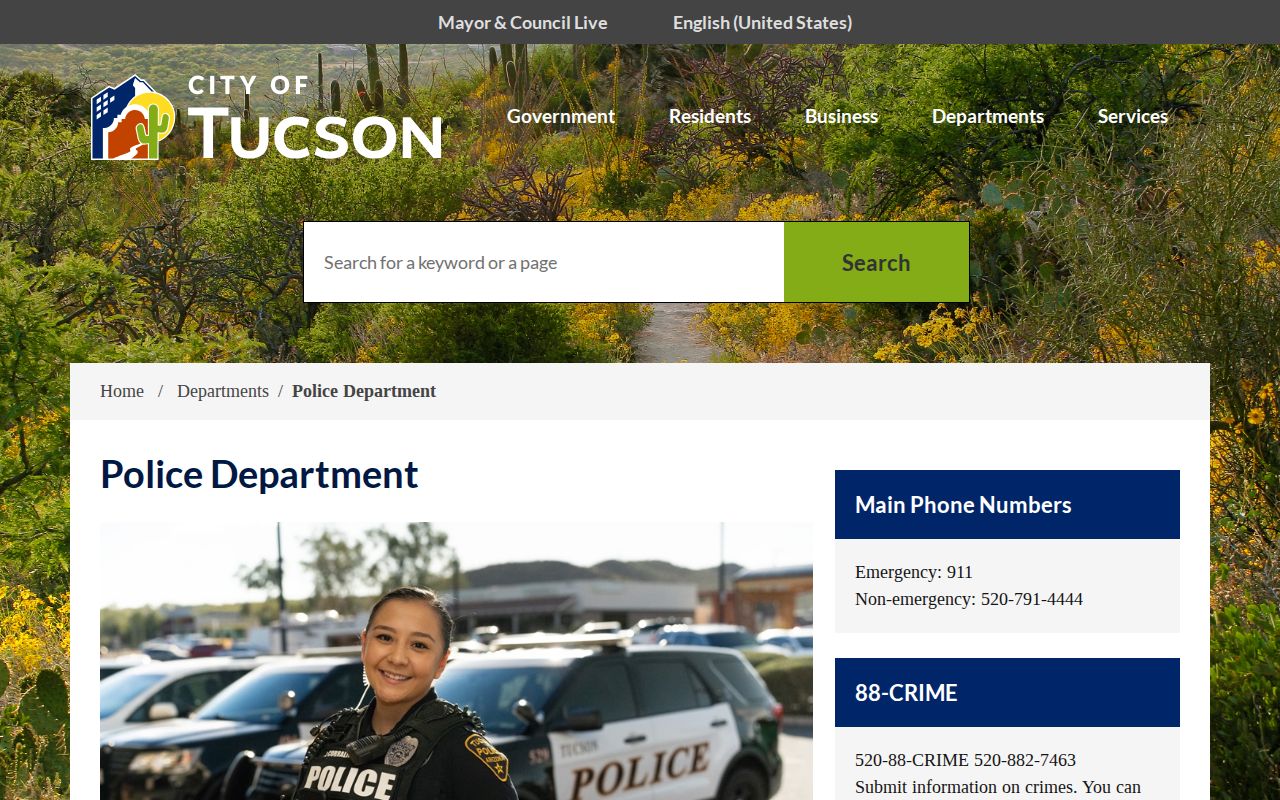
The police department page introduces the agency itself. It covers services, units, and public notices. Treat it as a doorway, not a roster. No booking names or photos appear there.
Arrested in Tucson: Find the Booking
Start from the likely custody state, not a broad name search. A fresh county-jail booking, a field release, and a finished court case are not the same thing. Each sits in a different system. PCSD updates its lookup regularly but posts no fixed hourly schedule. Expect some lag from booking and data entry.
- Confirm the person's full name and, if known, the TPD report number, incident date, and general location.
- Search the official PCSD roster by last name. The form requires at least two letters and accepts letters or dashes.
- Compare every plausible match by name, age, booking number, location, total bond, reference, court, bond type, and bond amount.
- If the person is absent, consider field release or prior release. Use TPD records for the police event and Tucson City Court or the named court for later case status.
- For a specific jail report, contact PCSD Jail Records rather than assuming an unofficial archive is current.
The county roster's simple result shows no clear booking time or charge. It also leaves the arresting agency unnamed. A match there means present custody, not necessarily a new Tucson arrest. The fuller Pima County arrest and roster guide covers the county fields. It also explains the photo policy.
Tucson Police Records
Take city questions to TPD. Take booking questions to PCSD Jail Records. The first office holds the police report and citation; the second holds the county booking and jail report. Give the right office a TPD case number, the incident date, and the location to cut through ambiguity. Neither office automatically keeps the other's complete file.
- Identify whether you need the incident report, a person-controlled Tucson arrest-history letter, or a PCSD jail record.
- For TPD incident disclosure, provide the report number when possible and describe the date, place, and record type precisely.
- For the official TPD arrest-history letter, follow the identity-verification process. The researched page lists $5 for three copies and says to allow 15 business days.
- For jail material, send the request to PCSD Jail Records at the Adult Detention Complex and ask about current photo releasability before paying any listed photo fee.
- Use the court named in a roster or report to check whether charges changed, were dismissed, or reached a disposition.
Tucson Police Department
270 S. Stone Avenue
Tucson, AZ 85701
Non-emergency: (520) 791-4444
A September 2024 PCSD policy change reportedly ended public booking-photo release. Older app text and cached pages can still reflect the earlier policy. So can private archives. The public roster itself displays no booking image. The TPD arrest-history request page lays out the person-controlled request route. A historical photo may float around elsewhere. It is not the current official record.
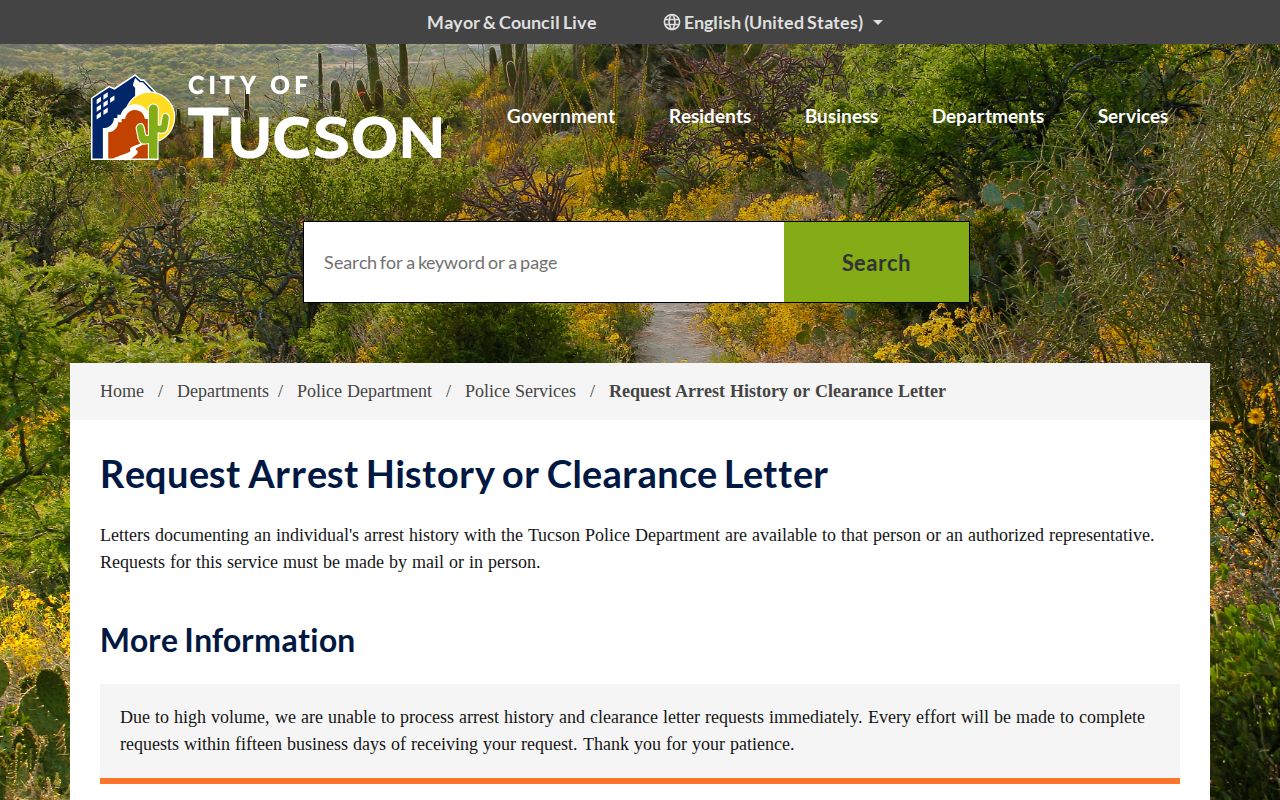
The TPD page documents the city's own records process. It serves a person requesting their own arrest history. That path stays separate from a county booking request for someone else. Keep the two tracks apart.
Tucson Arrest Coverage and News
Local outlets cover Tucson arrests selectively. KOLD 13, KGUN9, Tucson.com with the Arizona Daily Star, and Arizona Public Media report arrests, court matters, pursuits, and policy shifts as events warrant. Their photos may come from police, from a scene, or from file material. None of it forms a complete arrest list. Publication also says nothing about current custody.
Private county archives raise their own issues. Some label records as Tucson and keep old images alive after official access changes. They lag, mix custody states, and often omit the final court result. No commercial arrest databases appear here. When a private result hands you a report number or date, take that identifier back to TPD, PCSD, or the court and check it.
The Tucson Activity Window
TPD's public activity view works differently from a booking roster. It covers the prior 12 hours. The view refreshes every 30 minutes. Instead of names, it shows call types, broad locations, and times. That gives Tucson residents a feel for recent police activity near them. It is useful for testing one thing. Did the incident happen in the expected part of the city? What it cannot do is confirm names. It cannot say who was arrested, charged, or booked. For a person-level answer, look to a police report or a PCSD custody result. A victim notification service or a court file works too. One more caveat comes straight from TPD's own disclosure material. Officers have not kept daily activity logs since March 13, 1994. So treat the dashboard as a live activity window, not a daily arrest blotter.
Note: Dashboard activity can reflect a call without an arrest, while a Tucson arrest can be field-released without a PCADC roster entry.
After a Tucson Arrest
Tucson adds a notification channel of its own. The ENGAGE Victim Information Portal serves victims rather than the general public. A victim enters a ten-digit TPD report number. Then a phone number or email can be registered for automated case-status and arrest notices. TPD's guidance says the information may take from 24 hours to one week to populate. So ENGAGE fills a different role than the PCSD roster and is not an instant booking feed.
Initial appearances happen by video if a person enters PCADC. They occur at 9 a.m. and 7 p.m. each day. PCSD also says release processing can take up to five hours after a release order. That lag means a bond value, a court order, and the person's roster presence can be briefly out of step. For how a case ends, check the court. The charge shown at booking can change.
Keep the records straight by type. The TPD report covers the police event itself. The PCSD entry shows present detention. ENGAGE tracks a known victim case. A city, justice, or superior court file handles prosecution. Dates will differ because an incident, an arrest, a first appearance, a filing, and a release are separate events. When names are common, rely on the official report, booking, reference, and court identifiers rather than a booking photo.
Boundaries matter too. A person released from PCADC may drop off the current roster while the TPD report and court case still exist. Someone sentenced to state prison moves into the Arizona Department of Corrections, Rehabilitation and Reentry system, which is not where to check a new Tucson booking. Federal custody sits in a separate system entirely. Knowing these limits keeps a failed search from turning into a wrong conclusion about who is in custody.